Plan Your Trip
Select a route
Fare Information
Cash
(Exact Change)
TAP2RIDE
(Credit / Debit Card)
VCBusPass
(Card or Umo app)
Zone Fares
Zone 1 (Ventura)
Full Fare $1.75
Reduced* $0.80
Zone 2 (Regional)
Full Fare $4.00
Reduced* $2.00
VCcollegepass
VCcollegepass
The Ventura County College Pass Program provides students with free travel on all fixed-route bus services within Ventura County to school, work, or fun on safe, clean and reliable buses.
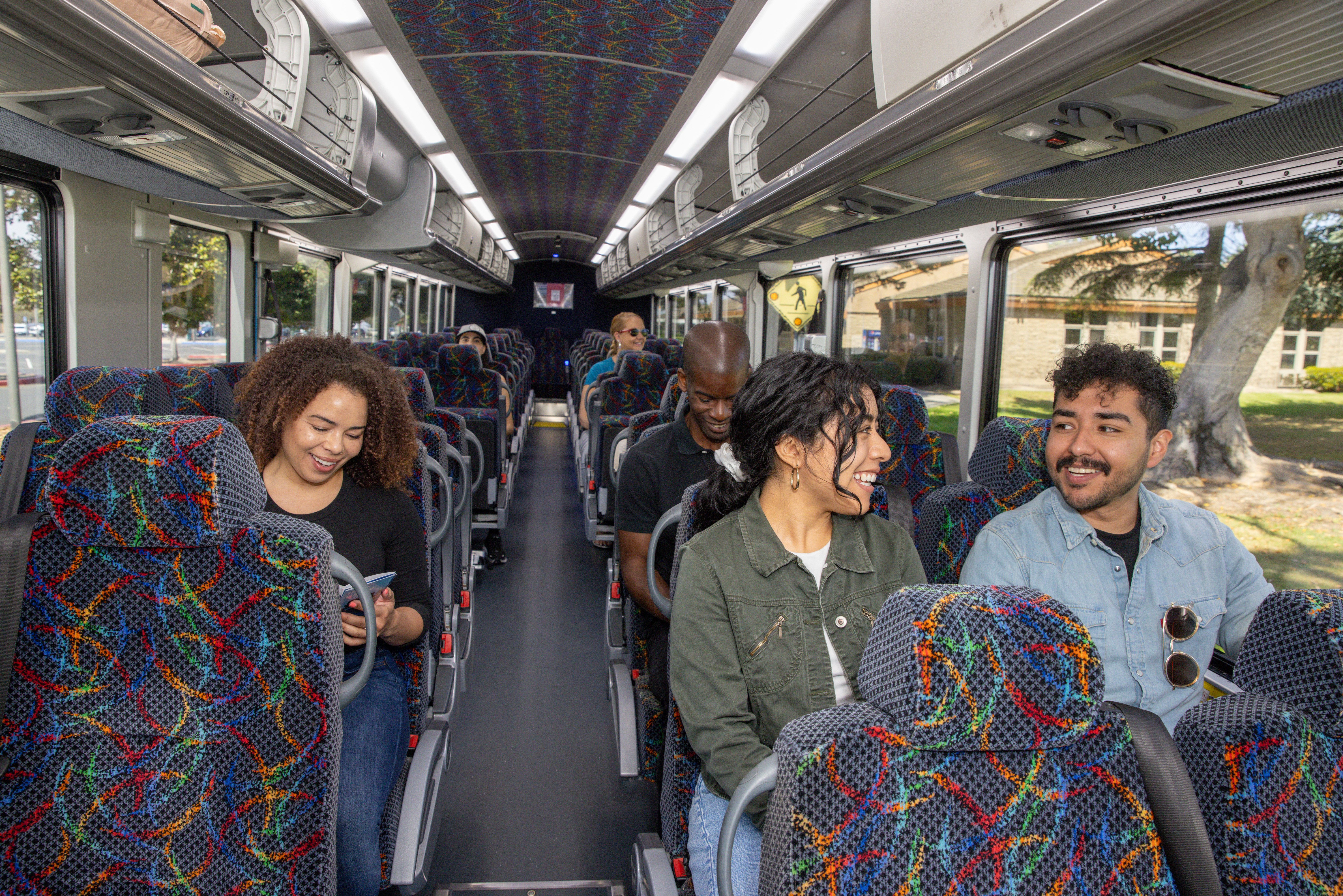
VCcollegepass Benefits
Ride buses and travel to your school and beyond.
- Unlimited rides through Ventura County on all fixed-route bus services
- Explore new destinations and uncover hidden gems across Ventura County.
- Every trip helps reduce traffic, lower emissions, and create a cleaner future.
- Avoid paying parking costs
Get Ready to Ride with VCcollegepass
Students will transition to the VCcollegepass for the Spring 2026 semester. Find out when your school will start:
Participating Schools
- Moorpark College
- Oxnard College
- Ventura College
- Santa Barbara
- City College Ventura County Adult Education Consortium
- Westmont University
How to Get Your Pass
Review your school’s instructions. Check your school’s website for information and details relating to the VCcollegepass.
- Download the Umo app to get the VCcollegepass
- Get the Umo app from the App Store or Google Play. Make sure to select your county (United States) and your agency VCTC-VCbuspass.
- Create your account
- Create your account using the same email you used to register for your classes, then add your free VCcollegepass.
- Once you have installed the app
- Tap the menu button (top left-hand corner and select “Redeem Benefit” from the menu)
- Enter the 8-digit benefit code provided from your college and click “Continue”
- Verify that VCcollegepass in your Wallet
- Return to the Umo home screen
- Using the app
- Tap the “Wallet” button at the bottom-right corner and then tap the “Show Code” button at the top to display the QR code
- Boarding the bus
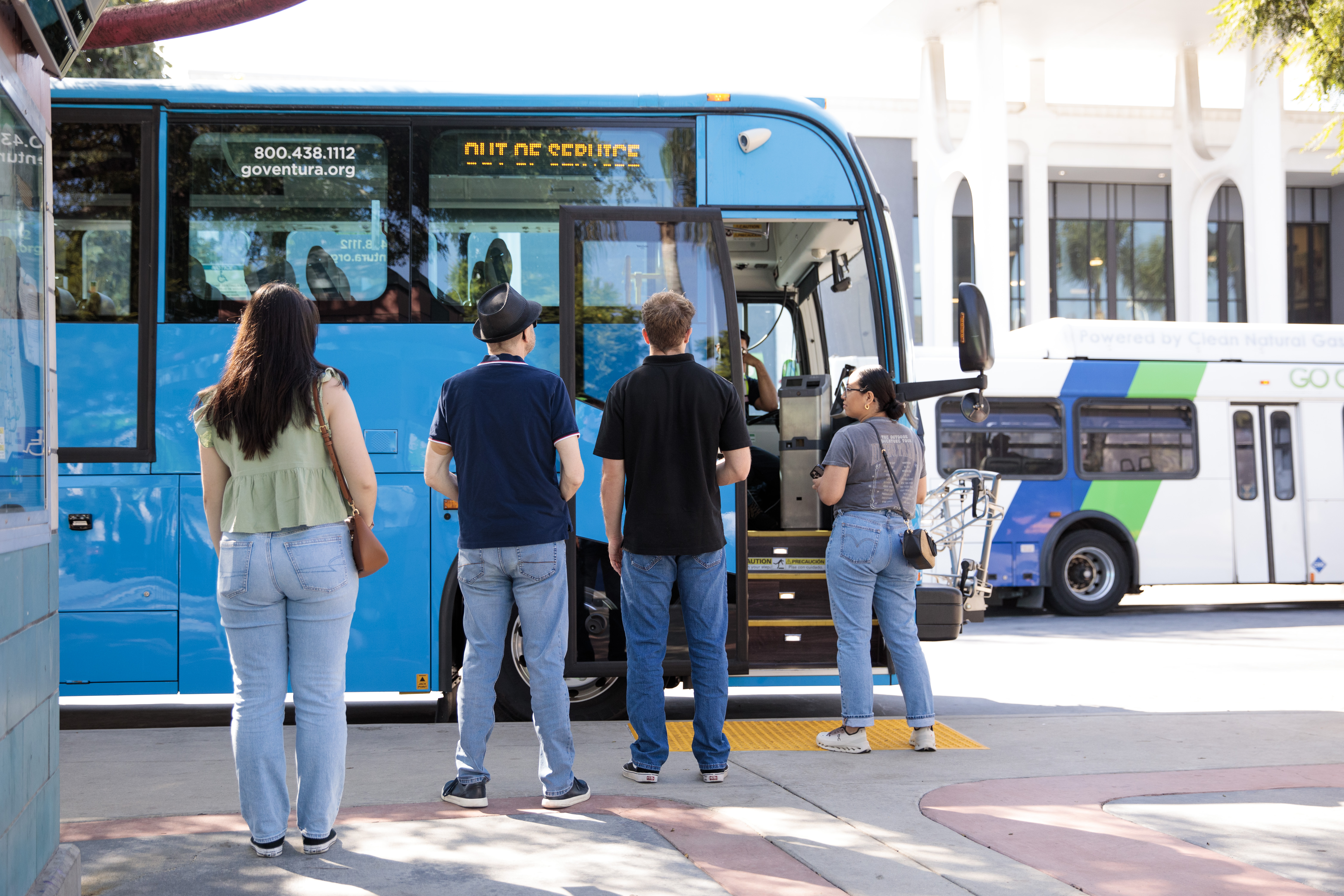
- When a bus arrives, have your Umo app open with the QR code ready. Face your phone to the Umo electronic reader, a black box near the entrance of the bus as shown below.